


Get more leads
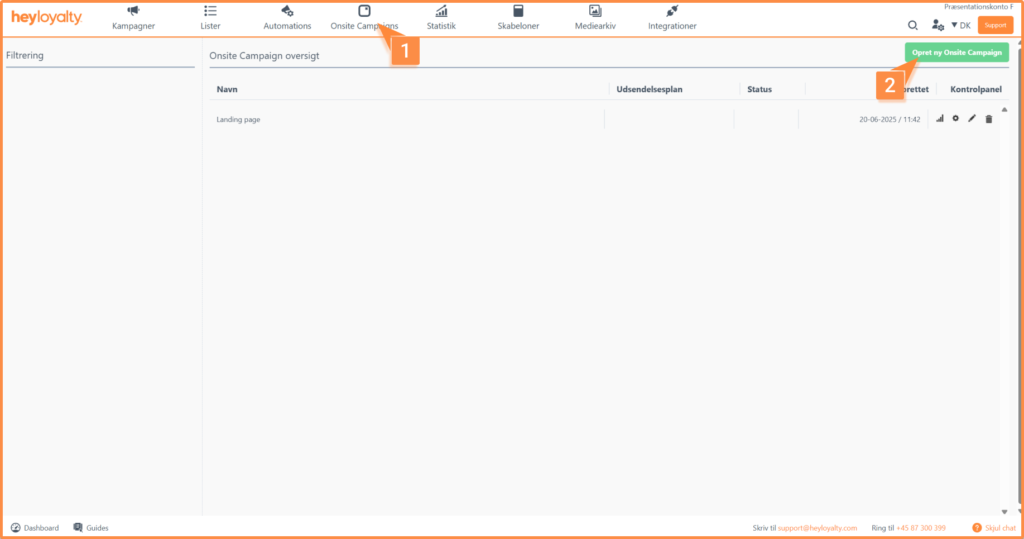
Setup your onsite campaign by clicking on Onsite Campaigns –> Create new Onsite Campaign.
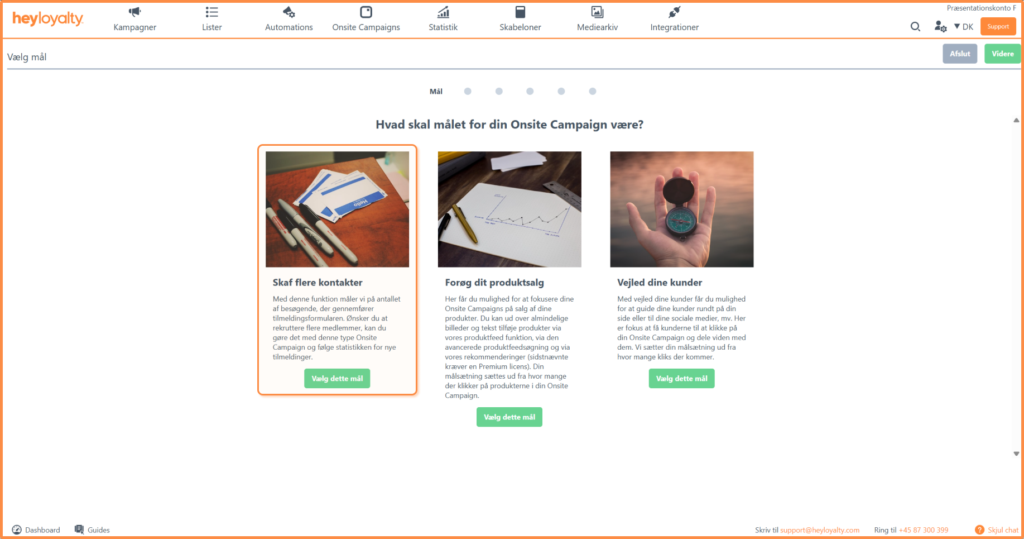
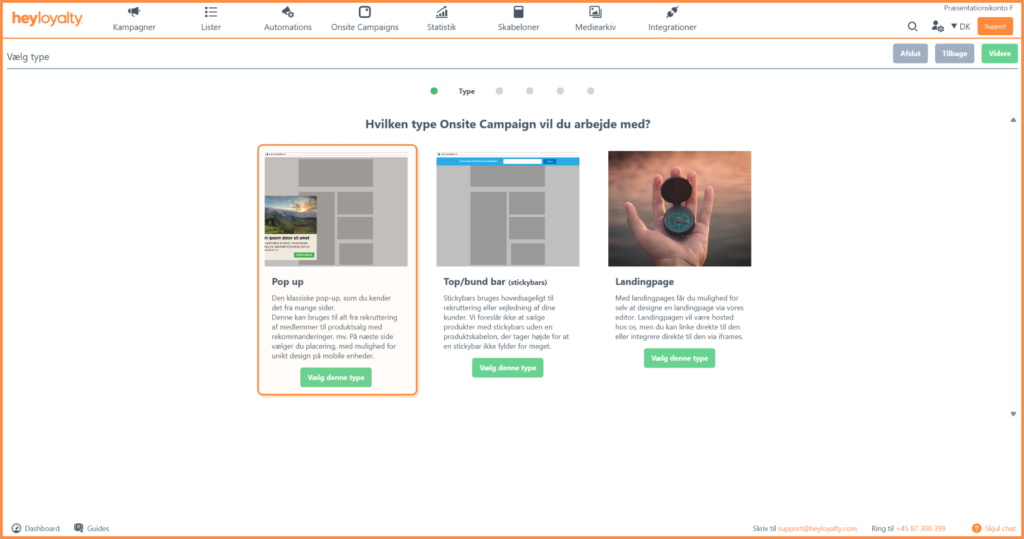
There are three different types of onsite campaigns. In this guide, the focus is solely on Get more leads, which is why you should choose this goal and subsequently the obvious choice is pop-up; Choose this type.
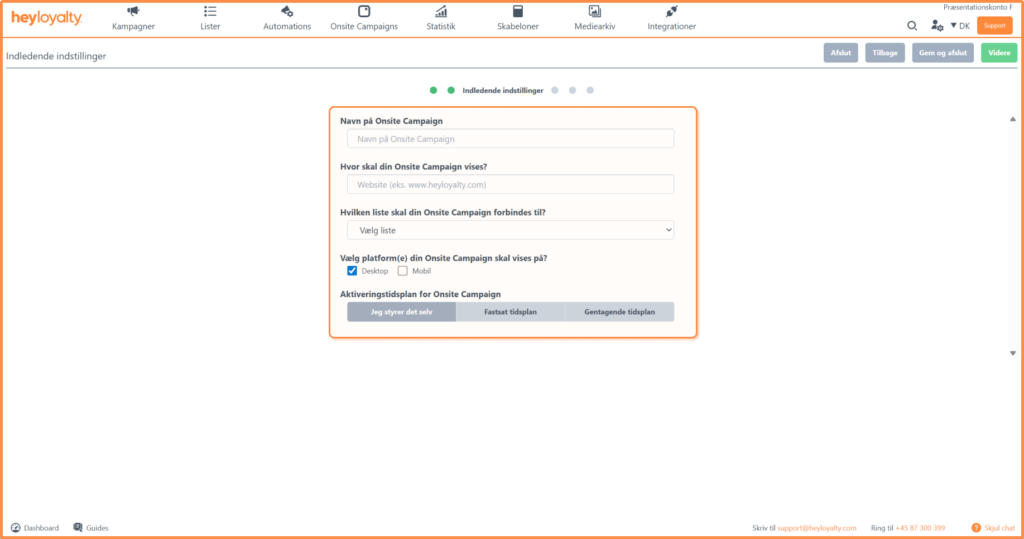
Fill in the initial settings.
Choose from the different triggers and constraints that control who, when, and why a visitor should see your onsite campaign.
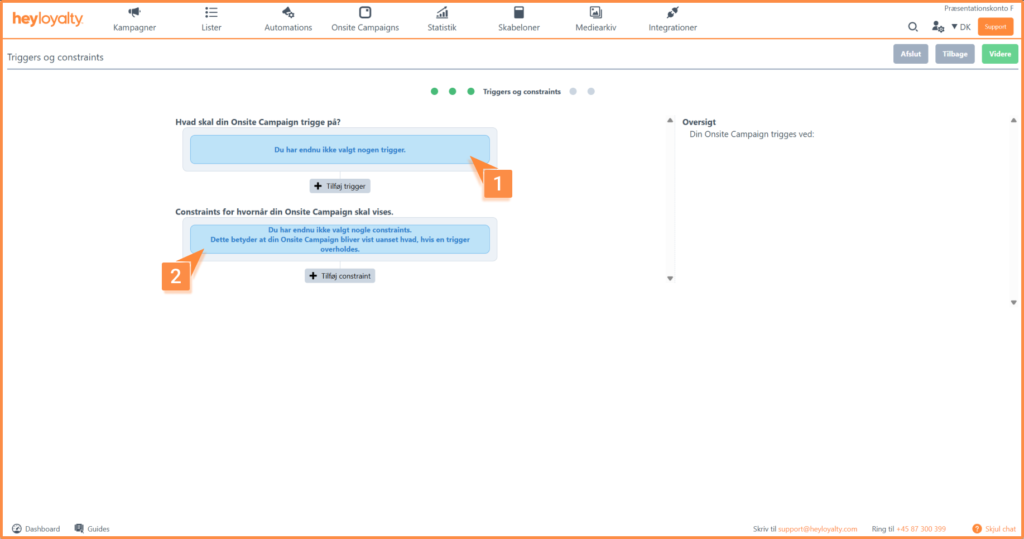
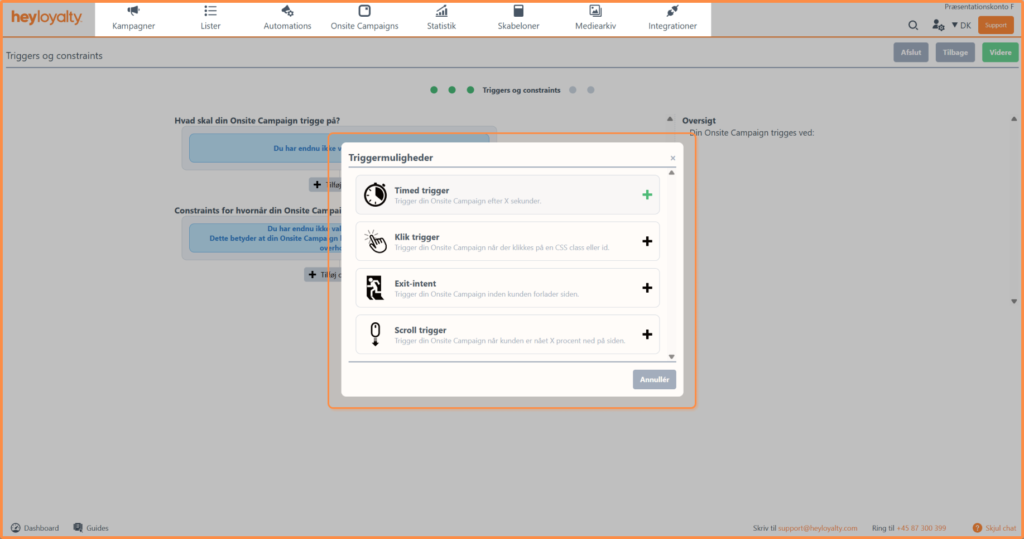
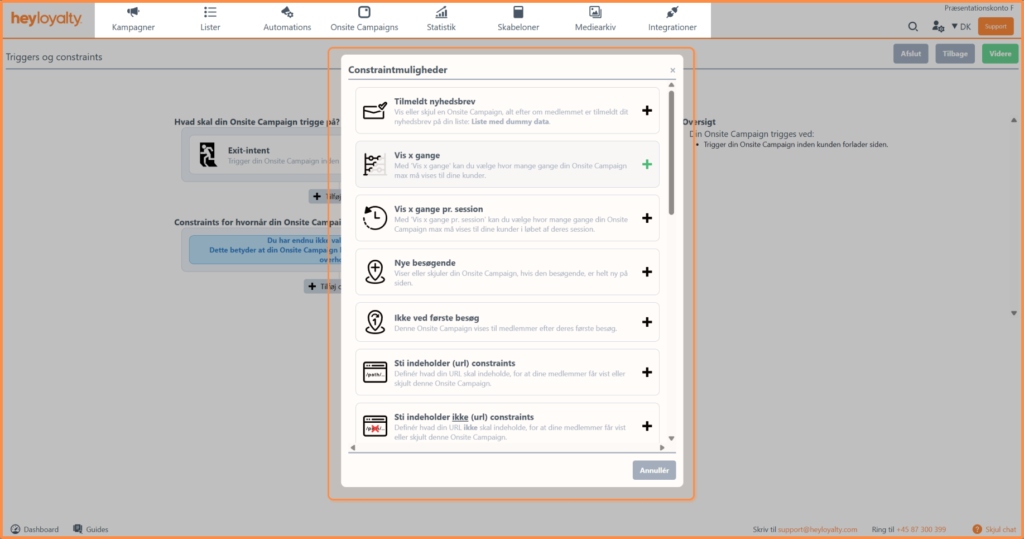
Design your onsite campaign
Choose a template.
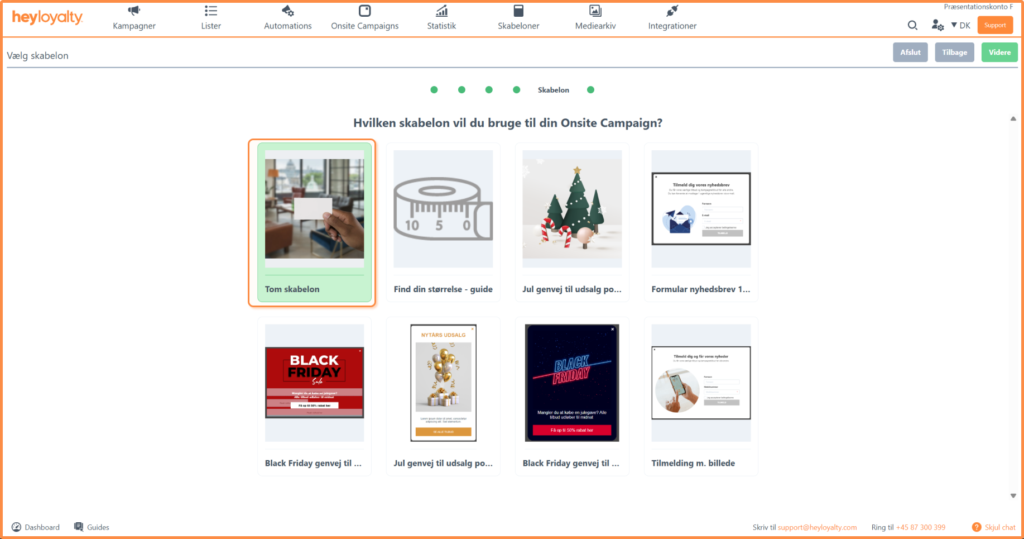
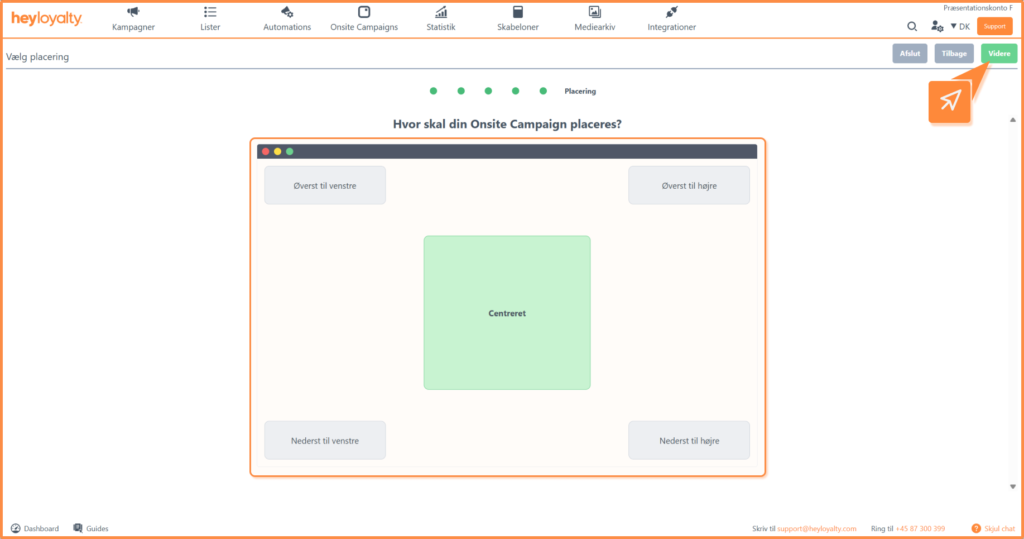
Choose the placement of the pop-up.
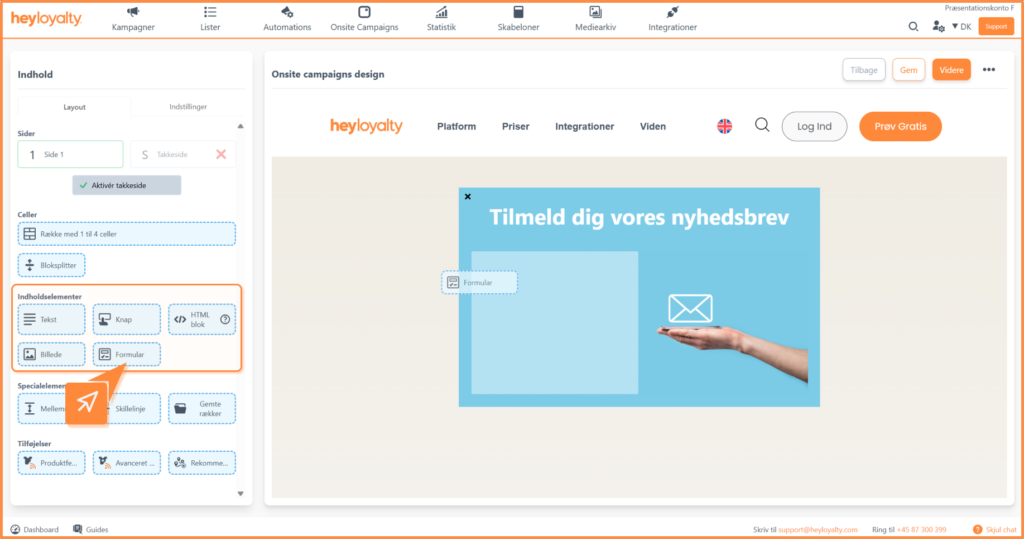
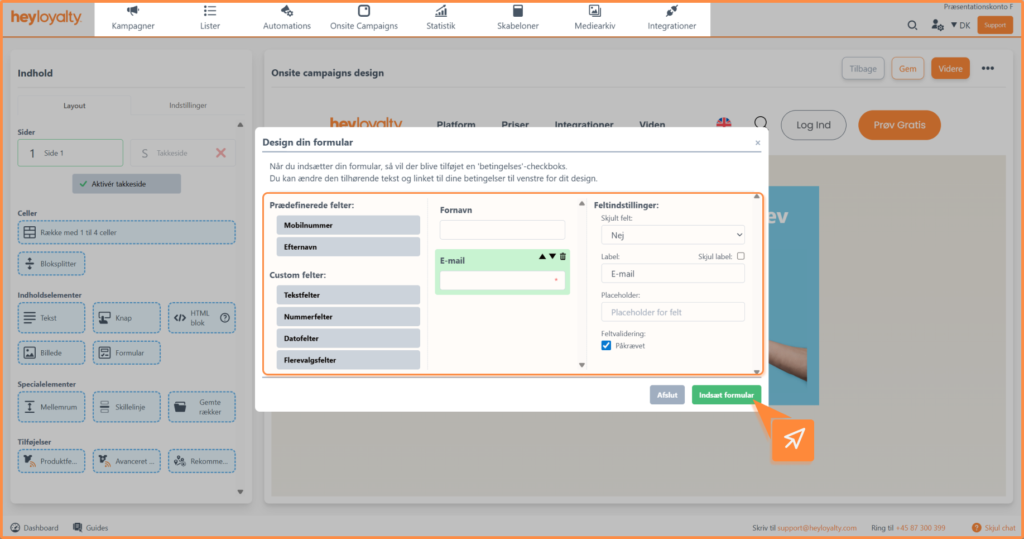
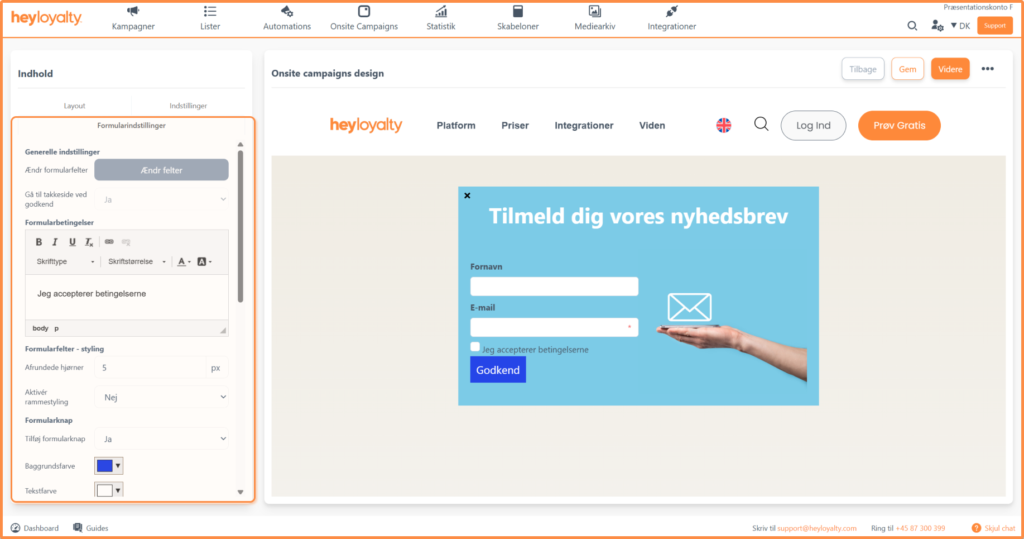
Design your onsite campaign and customize the form according to your company’s needs.
When you are happy with the design, click Continue, where you can see a preview of your onsite campaign on your site and a summary of your settings for that onsite campaign.
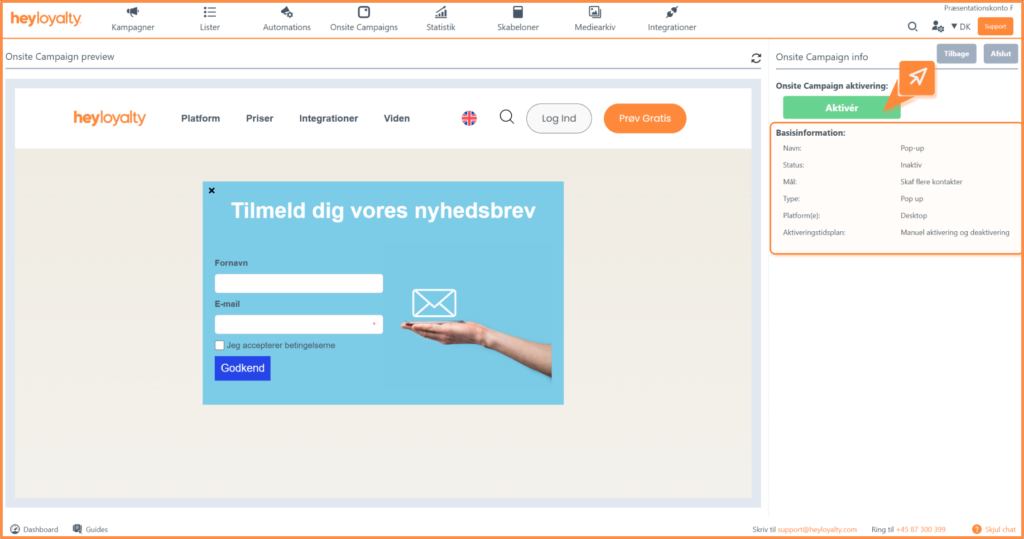
If everything is as it should be, you can just click Activate and your onsite campaign will be live and will be displayed based on the triggers and constraints you selected earlier in the setup.
Alternatively, click Cancel and later you manually activate your onsite campaign.
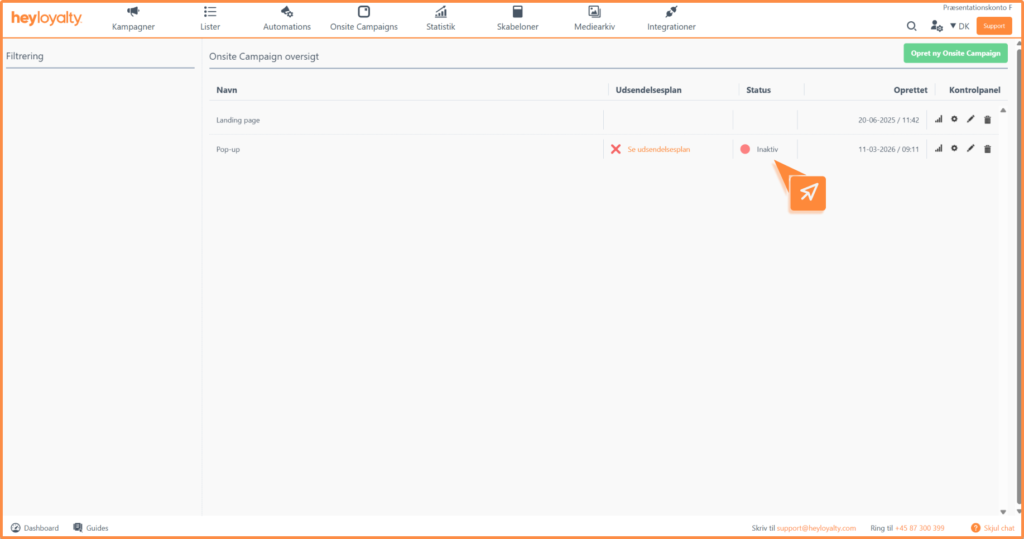
You can activate your onsite campaign by clicking Inactive in the Status column in your Onsite Campaign overview.
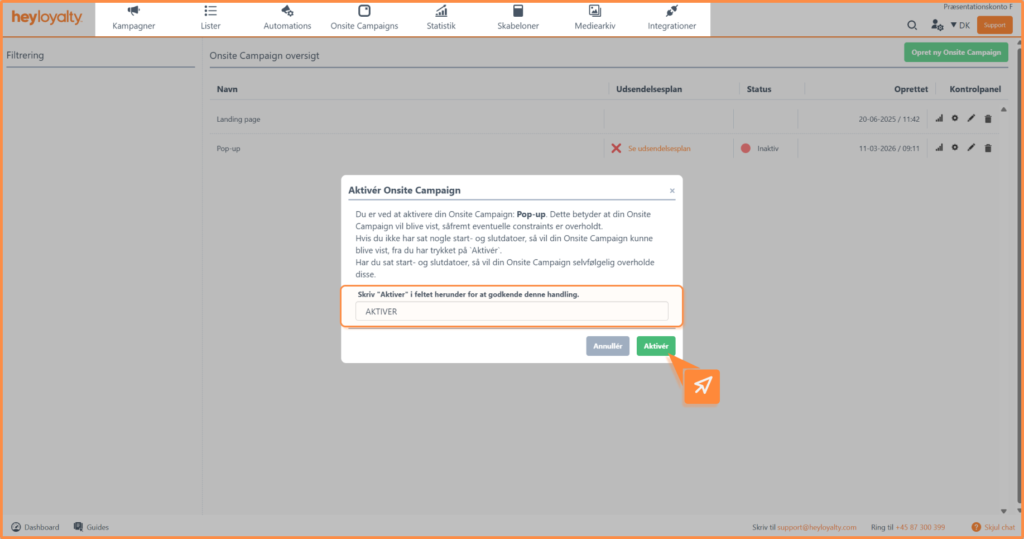
Type Activate in the field and click Activate

Hvis du mangler information eller hjælp, som du ikke finder her på guide sitet, er du altid velkommen til at kontakte vores support!
support@heyloyalty.com / tlf. 87 300 399