


How to set up 2FA
When you log in to Heyloyalty for the first time, you need to set up a 2-factor authentication.
To do this, you’ll need an authenticator app on your phone (such as Microsoft Authenticator or Google Authenticator).
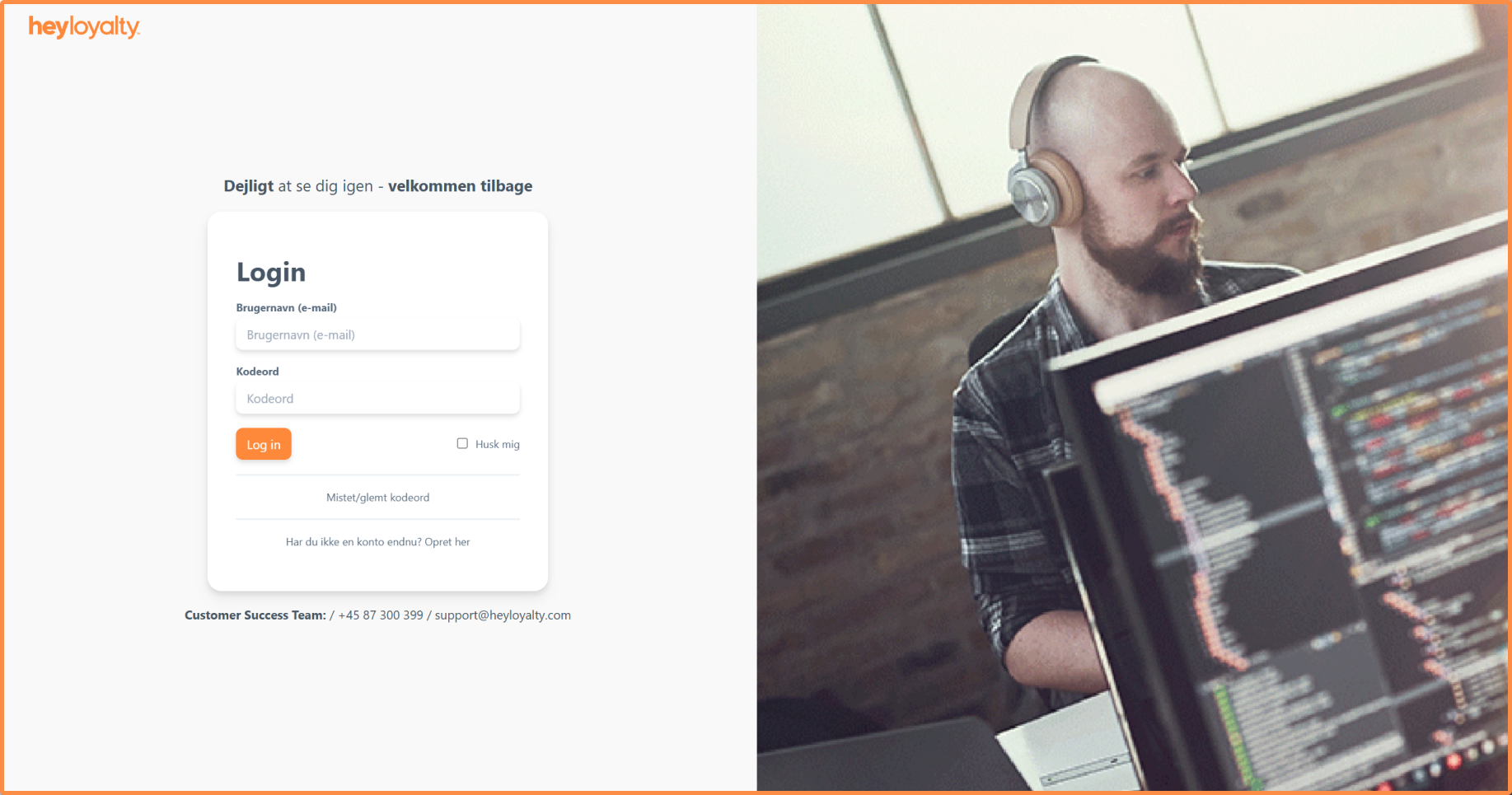
After entering your email and password, you will be able to see a QR code.
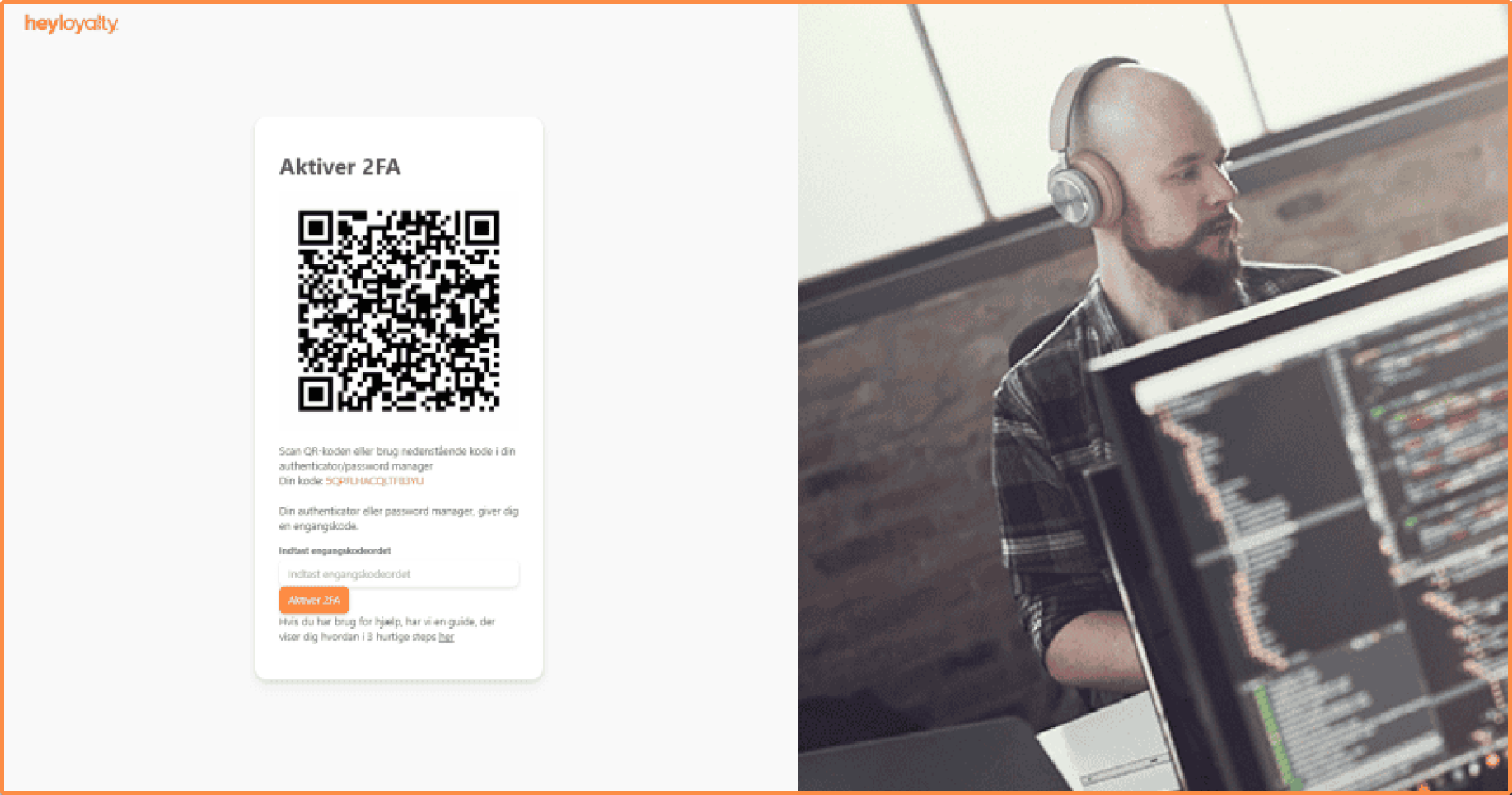
Scan the QR code with your authenticator app (e.g. Microsoft Authenticator or Google Authenticator).
Enter the 6-digit code from the app on your phone in the Enter one-time password field.
You will now be directed back to the first login page. Enter the email and password and enter the new 6-digit code from your app on the phone in the Enter one-time password field again.
You are now logged in.
Future Logins with 2FA
From now on, every time you log in to your Heyloyalty account, you must:
- Enter your password and email address
- Enter the current 6-digit code generated by your Authenticator app.
This login method adds an extra layer of security to your Heyloyalty account when you log in. With two-factor authentication enabled, you can feel confident using the system to manage your contact information.

Hvis du mangler information eller hjælp, som du ikke finder her på guide sitet, er du altid velkommen til at kontakte vores support!
support@heyloyalty.com / tlf. 87 300 399